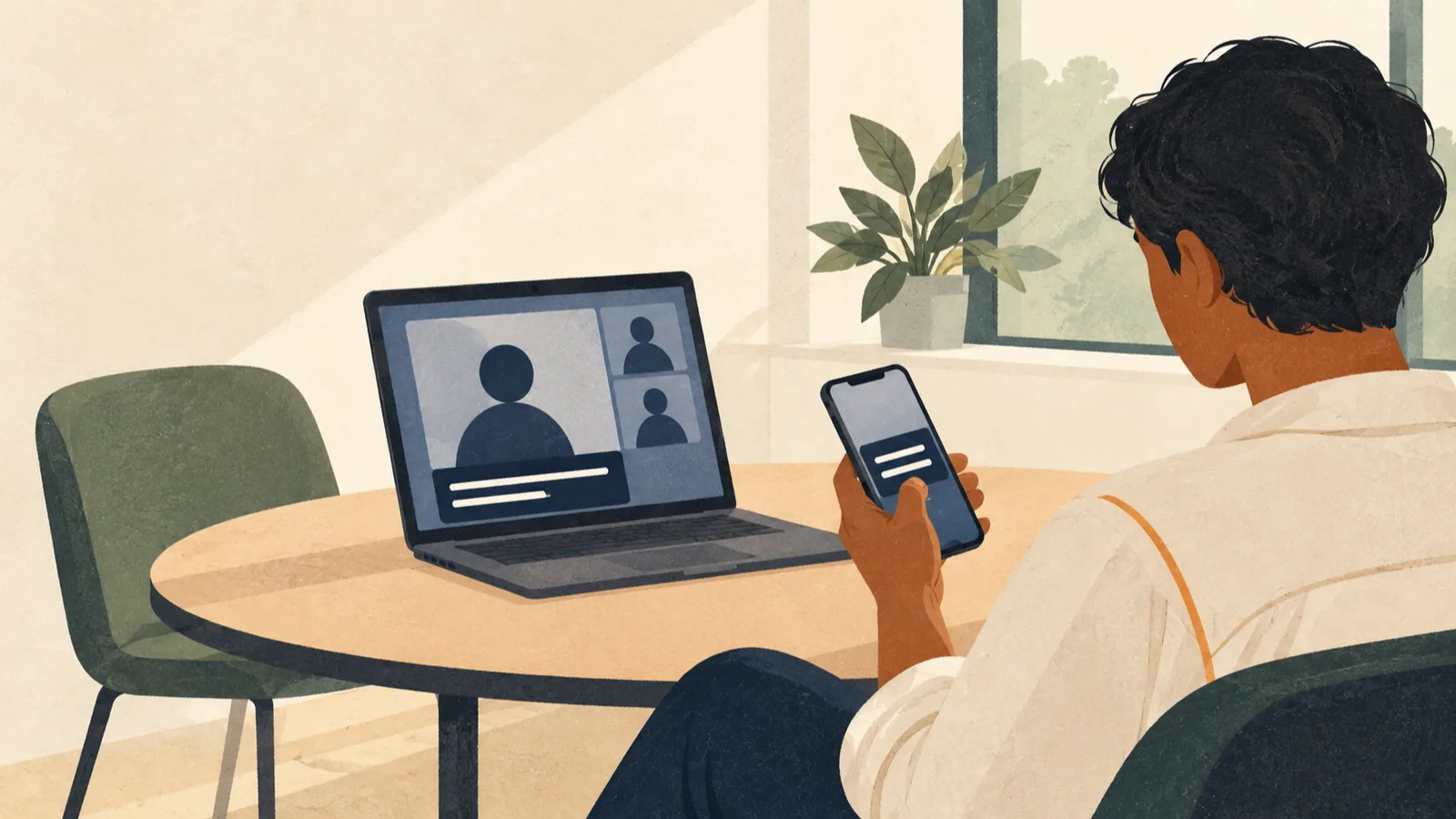
Fireflies Without a Bot: How Take Notes Works in the Desktop App
Get Fireflies notes without the Notetaker joining your call: how Take Notes works on Mac and Windows, what it doesn't save, the consent notices, and the Free plan limits.
Read along in calls and meetings, and keep a record of what was said.
Get Fireflies notes without the Notetaker joining your call: how Take Notes works on Mac and Windows, what it doesn't save, the consent notices, and the Free plan limits.

Notta transcribes 58 languages and has a two-language mode with 23 to pick from; Otter covers six, with a French–English exception. Compare free limits, prices and exports.
Otter Basic has separate limits for monthly minutes, long recordings, file imports and history. Find which one you hit and what fixes it.

Install Otter's Mac app, record meetings without the Notetaker bot, fix browser recordings that only catch your voice, and see what the free Basic plan covers.

Otter's app transcribes offline recordings only after they upload. To keep speech on your Mac, compare Apple Live Captions, MacWhisper, Vocena and Notta's local mode.
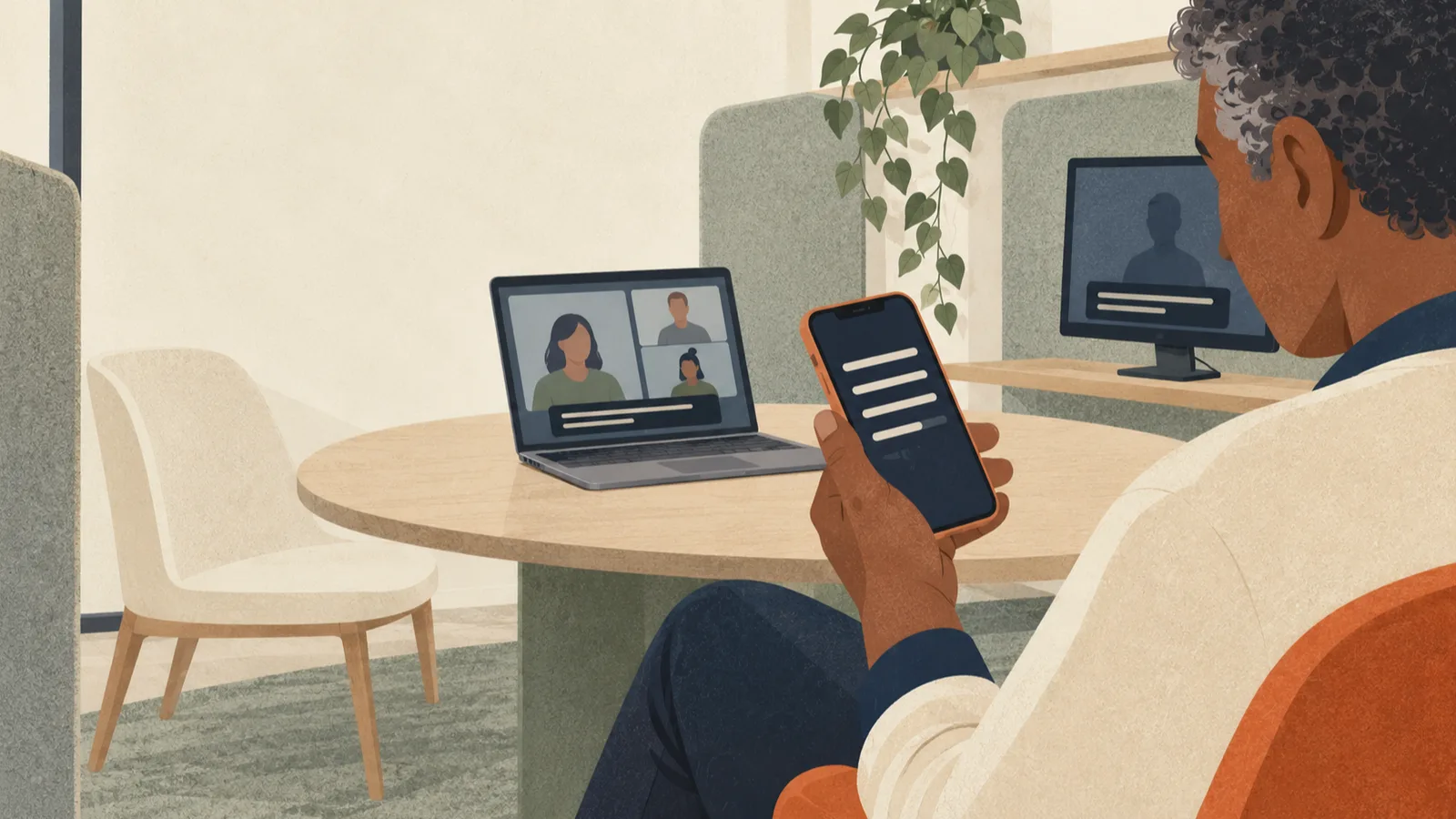
Install the Tactiq extension or Mac app, turn on the captions Zoom and Teams need, fix a transcript that won't start, and see what the Free plan's 10 monthly meeting credits cover.

Teams does not save live captions. Start transcription during the meeting; whether you can download it afterward depends on your role and what your organization allows.

Zoom translated captions depend on the host's plan or an assigned add-on. See which plans qualify, how attendees pick a language, and what to check when Translation is missing.